
CMS Guide 2018/10/16
Contact
This section is where you manage all the people signed up on the website. Here you can see the data given by users in their sign up process and create new users.
Contacts request
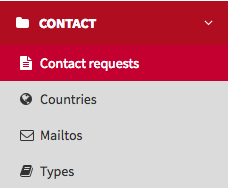
This is a list of all users who have completed the contact form. You can download this information in a variety of formats by clicking on the selector above the list.
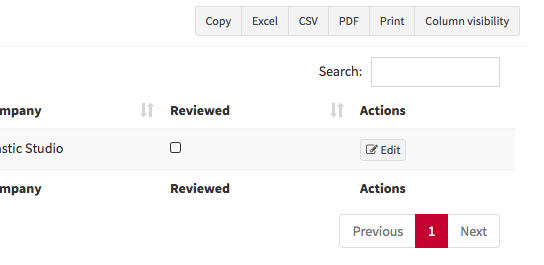
Requests with attachments
If the user has sent an attachment with their request, the website manager will receive a notification email. To download the attachment, select the required user request from the list, click Edit to view the request details, and then click Download file.
Countries
This is where you populate the Country list displayed on the Contact us page.
Mailtos
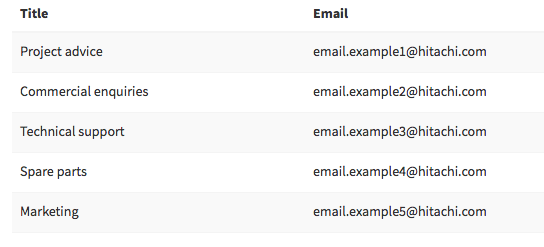
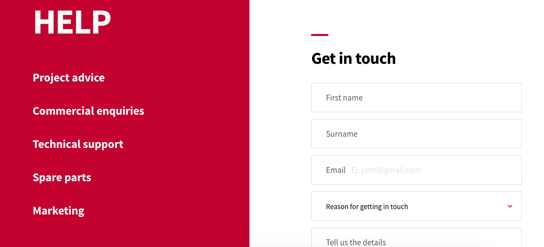
This is where you manage the official email addresses that appear on the left of the Contact us page. Contact email addresses must always be corporate addresses e.g. marketing@hitachiaircon.com, and never personal email addresses e.g. jane.smith@hitachiaircon.com.
Types
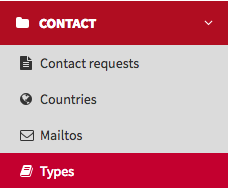
This is where you populate the Reasons for getting in touch list displayed on the Contact us page.