CMS Guide 2018/10/16
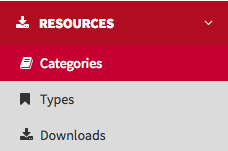
Resources
This is where you store and manage the website’s downloadable resources, like product
brochures and instruction manuals.
First, we must create the categories in which the
download resources are organised.
Categories
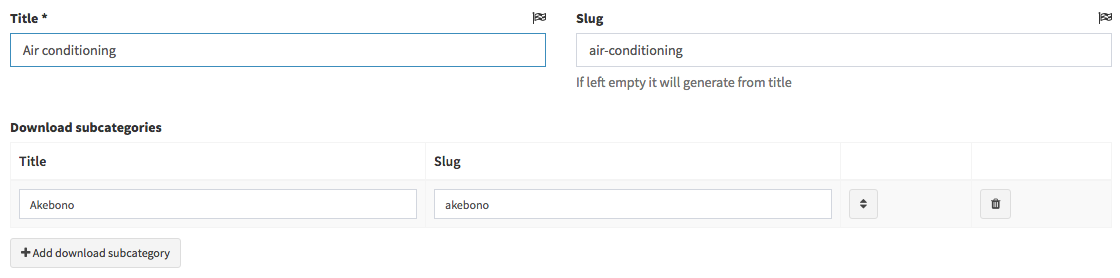
Fill in the Title (usually the range name) and the Slug fields.
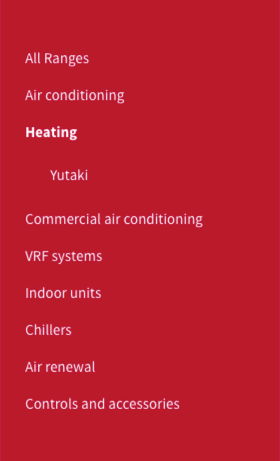
In the Download subcategories you can add product names to relate them to the download content. The download subcategories will show up on the left-hand side of Resources page and will help to classify the downloads and for the search results.
You can add more subcategories by clicking on Add download subcategory.
Types
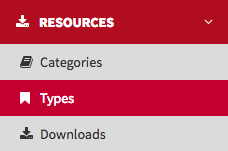
Here you create and manage the types of download file, such as Product Sheets and Technical
Catalogues.
Click on Add Download Type and fill the fields Title and
Slug. Click Save and back to finish the register.
Downloads
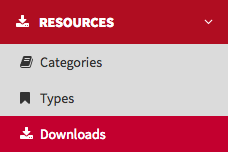
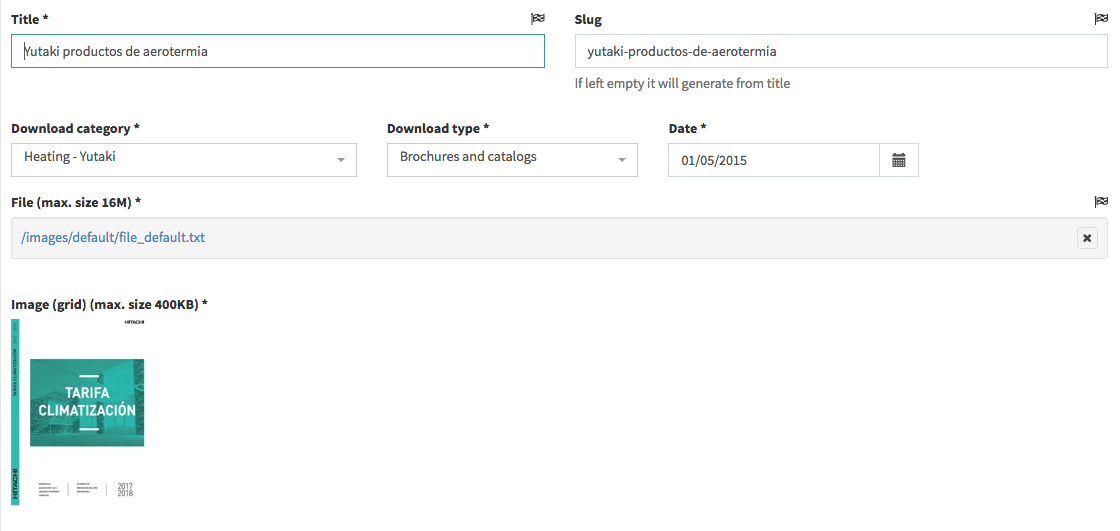
This where you upload and manage the downloadable resources. Fill the fields Title
and Slug, then select a Download category, a Download type and
set an upload date.
(Subcategories added when creating or editing resource categories will be visible in the
Download category list.)
Next, add keyword tags to make downloads searchable on the
website search engine. These tags will not be visible on the website.
Next, select
the file you wish to upload, an image to display as a thumbnail, and then click on Save
and back.